

Natural voice conversation
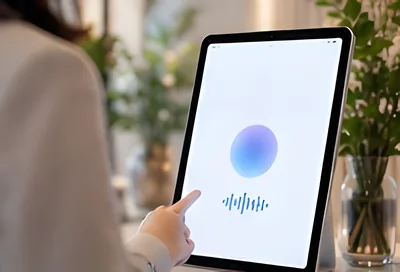
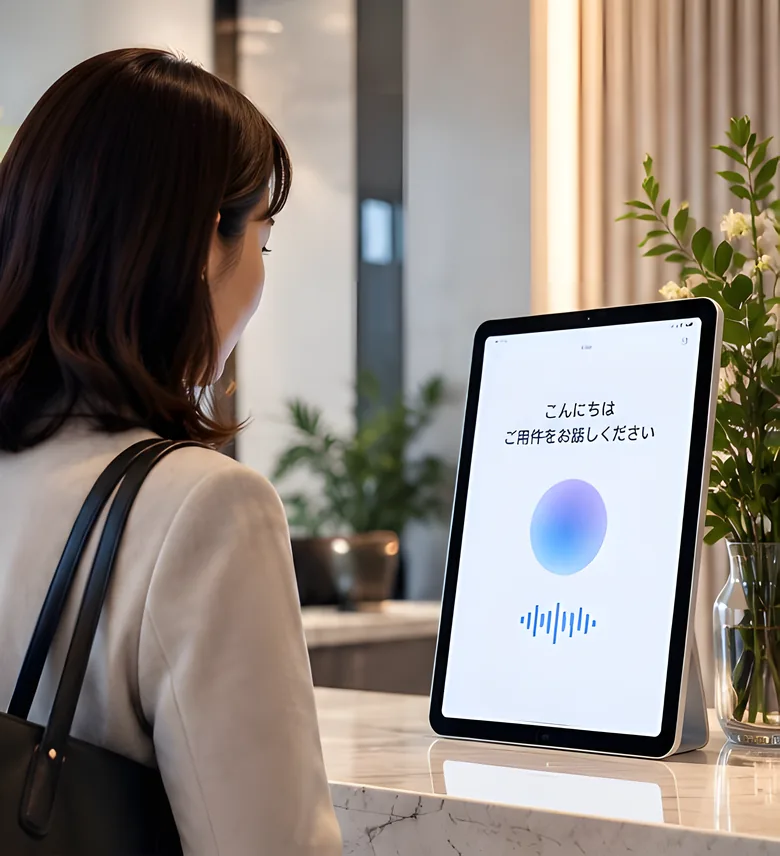
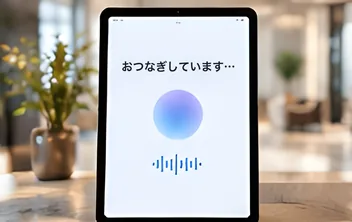
Visitors just speak. The AI understands why they're here and answers in their language, Japanese or English.
One tablet and a sign-up. Free to use.
An AI greets your visitors and connects them to the right person through natural conversation. No hardware to buy, nothing to install, nothing to explain.
For visitors, hosts and the front office alike: no more time spent lost, waiting or passing messages along at the front desk.
Visitors just speak. The AI understands why they're here and answers in their language, Japanese or English.
Notices arrive by email, Slack or Teams. If no one answers for a while, your main contact is told too.
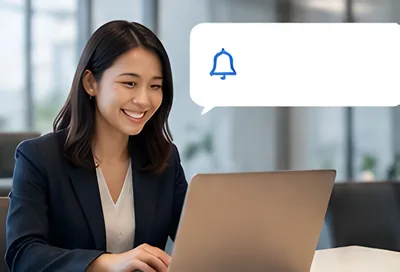
No paper visitor book, no relaying calls on the extension. One tablet gives you a tidy, modern reception.
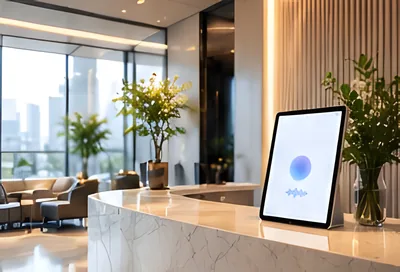

The visitor tells the tablet why they're here.
The AI works out who they're visiting and tells that person right away.
The host gets the notice and comes to the front desk.
No sales meetings, no training. Reception is running at your entrance the day you sign up.
Enter the code we send you. You can also sign up with a Google or Microsoft work account.
Enter the names of the employees who receive visitors and how to reach them: email, Slack or Teams.
Install the app, sign in and put the tablet at the entrance. Works on iPad, Android and Windows.
Reception for one location is free. When you add locations or connect your internal systems, our sales team will help.
Free
Priced to your scale
No time limit, no credit card
1 location, 1 kiosk, up to 20 hosts. Up to 100 AI check-ins a month (after that, visitors can still check in by picking their name and host).
Free
Priced to your scale
Everything in the Free plan, plus
Free
Priced to your scale
Paid plan feature
Connected to your Wi-Fi, Acall AI Reception shows who's in the office. Before a visitor arrives you can see at a glance whether their host is in, so no one waits for someone who's travelling or working from home.
From pre-registration to notifications and records. Turn on more as you need it.
Besides talking to the AI, visitors can use a QR code, a visit code, a host name search or purpose buttons.
Free planRegister a visit and the visitor gets an email invitation with a QR code.
Free planIf a visitor hasn't checked in after the start time, they get a reminder and the host is told.
Free planWhen neither the host nor the backup contact answers, your company's main contact is notified.
Free planHosts tap "On my way" in Slack or Teams and the kiosk shows it to the visitor.
Paid planWhen a visitor arrives, the host gets a Microsoft Teams call and can answer with a key press.
Paid planInvite a visitor to an Outlook or Google Calendar event and the visit is registered automatically.
Paid planConnected to your Wi-Fi, see who's in the office on a floor map or by team.
Paid planVisitors and employees who consent can check in by face. Face images are never stored.
Paid planJust ask in chat to register a visit, or to see today's visitors and who's in.
Paid planInstall it on an iPad, Android or Windows tablet and put it at the entrance. Rolling out to each store.
Free planPrint a visitor badge as they check in.
Paid planMonthly reports on visits per location, and a one-click download of your data.
Paid planPick hosts and attendees by name from your Microsoft 365 or Google Workspace directory.
Manage companies, offices and floors as a tree, and lock settings from a parent location.
A REST API and an MCP server let your systems and AI assistants read and create visits.
Reception collects your guests' names and companies. We designed for security and privacy from the start.
All data stays in the AWS Tokyo region.
Everything travels over HTTPS and is encrypted at rest.
Acall runs the AI in Japan. Names and what people say are never sent to outside AI services.
Face check-in is opt-in. We never store face images, only encrypted face templates.
Every change to settings and integrations is recorded with who, when and what, and can't be altered later.
Personal information is handled under Japan's APPI. No third-party tracking for ads or analytics.
Yes. The free plan has no time limit, and you don't need a credit card.
No. You can do everything yourself, from signing up to setting up the kiosk. Talk to us any time, for example when you want more locations.
This is a service for businesses, so please sign up with your work email address. There is one free plan per company.
iPad, Android and Windows tablets, with the kiosk app included in the free plan. The apps are rolling out to each store.
Reception keeps working. For the rest of that month visitors check in by picking their name and host instead of talking to the AI, and AI reception is back the next month.
No. Speech is turned into text on the kiosk itself, so visitors' audio never leaves the device. The AI that understands their request also runs on our own servers, not on an outside AI service.
Personally identifiable information such as visitors' names and companies is never used to train AI. To improve response accuracy, we may use conversation patterns processed so that no individual can be identified (you can ask us to stop). On the free plan, visitor information is deleted after 30 days. See our Privacy Policy for details.
All you need is your work email. Start right now.